
Blog
How to Add a Digital Business Card to Apple Wallet and Google Wallet


A digital business card for Apple Wallet and Google Wallet gives you a faster way to access and share your professional identity. Instead of searching through email, opening a browser, or carrying a paper card, you can keep your digital card ready on your phone for networking, meetings, events, and everyday conversations.
Wallet access is especially useful when you meet someone in person. You can open your card quickly, show a QR code or profile link, and let the other person save your contact details. Your digital business card can also include your website, portfolio, social profiles, booking link, products, and other destinations.
In this guide, you will learn how a digital business card works with Apple Wallet and Google Wallet, what to include on your card, how to share it professionally, and how to keep the information updated after you add it to your wallet.
Quick answer: Create a professional digital business card with a supported platform such as Bambl, customize your contact details and links, use the supported Wallet option to add your digital card, and test the sharing flow before an important meeting or event.
What Is a Digital Business Card for Apple Wallet and Google Wallet?
A digital business card for Apple Wallet or Google Wallet is a mobile-friendly professional identity that can be accessed from a digital wallet. It may include your name, role, company, contact details, profile image, logo, website, social links, portfolio, booking page, or QR code.
The wallet acts as a convenient access point. Your complete profile may still open as a web page so visitors can see the latest information and choose an action such as Save Contact, Call, Email, Book a Meeting, or Visit Website.
This is different from storing a contact manually in your own address book. A saved wallet card is designed for sharing your professional profile with other people, while your private phone contacts are designed for managing people you already know.
Why Add a Digital Business Card to Your Wallet?
Access your profile faster
At a busy event, you may not have time to search for your website or type your name into a messaging app. A wallet shortcut can help you open your profile quickly when someone asks how to stay in touch.
Reduce dependence on paper cards
Paper business cards can be useful, but they become outdated when your role, company, phone number, or website changes. A digital profile can be updated without redesigning and reprinting every card.
A printed card has limited space. A digital business card can include a portfolio, booking link, social profiles, videos, digital products, newsletter, and other relevant destinations from one mobile-friendly page.
Make networking more memorable
A well-designed digital profile can create a clearer next step after an introduction. Instead of saying “look me up online,” you can share one profile that explains who you are and what the other person can do next.
What Should You Include on a Wallet Business Card?
Your profile should be easy to understand within a few seconds. Start with the information that helps people recognize you:
- Full name or business name
- Professional role or job title
- Company, brand, or area of expertise
- Professional photo or logo
- Short introduction or value proposition
- Phone number and email address
- Website or portfolio
- Save Contact or vCard action
Then add only the links that support your main goal. A consultant may prioritize a booking calendar. A designer may feature a portfolio. A creator may highlight a video, product, newsletter, or social channel.
Avoid adding every possible link without structure. Too many choices can make the profile difficult to scan and may reduce the chance that visitors take the action you want.
How to Add a Digital Business Card to Apple Wallet
The exact steps may vary depending on the digital business card platform and the Wallet format it supports. In general, the process follows this flow:
- Create or open your digital business card profile.
- Complete your name, role, company, photo, contact details, and professional links.
- Review the profile on a mobile device.
- Choose the supported option to add the card to Apple Wallet.
- Follow the on-screen confirmation steps.
- Open Apple Wallet and confirm that the card appears correctly.
- Test the card before sharing it at an event or meeting.
Check the card after adding it. Make sure your name is readable, your branding looks correct, and the sharing action opens the intended profile. If your card includes a QR code, scan it with a second phone.
How to Add a Digital Business Card to Google Wallet
The process for Google Wallet also depends on the platform and the supported digital card format. A typical setup includes these steps:
- Open your digital business card dashboard or mobile profile.
- Confirm that your contact information and links are current.
- Select the supported Google Wallet option.
- Review the digital card preview.
- Follow the prompts to save the card to Google Wallet.
- Open Google Wallet and verify the card details.
- Test the profile link, QR code, and contact-saving action.
If the wallet card opens a web profile, test the page on a mobile browser while signed out. This helps you check what a new contact will see and whether the main call to action is easy to find.
Adding your card to a wallet is only the first step. You also need a simple sharing habit. When someone asks for your details, open your digital card and explain the next action clearly.
You can say:
- “You can scan this QR code to save my contact.”
- “This profile has my portfolio and booking link.”
- “You can open this link to connect with me after the event.”
- “My latest work and contact details are available here.”
A short explanation gives the other person a reason to interact with your card. Do not assume that everyone knows what to do when they see a QR code or digital profile.
Use a Dynamic Profile Instead of a Fixed Card
A digital business card is more useful when the profile behind it can be updated. You may change your job title, phone number, website, booking link, featured project, or brand colors over time.
With a dynamic profile and QR code, you can update the destination without asking everyone to save a new link or printing a new batch of cards. This is useful for freelancers, founders, sales teams, consultants, recruiters, and growing businesses.
For another way to share a digital card, read our guide to a QR code business card. A QR code can be used on printed materials, event badges, presentations, and virtual meeting backgrounds.
Wallet Cards and Profile Analytics
A wallet shortcut makes your card easier to access, but you should also understand what happens after someone opens it. Depending on the platform and plan, analytics may show profile views, link clicks, contact saves, QR scans, traffic sources, or lead activity.
These signals help you improve your profile:
- Many views but few contact saves may indicate that the Save Contact action needs to be more visible.
- Many views but few link clicks may mean your links are not relevant or your call to action is unclear.
- Many portfolio clicks may show that visitors want to see proof of your work.
- Traffic from events may indicate that your in-person sharing flow is working.
For a deeper explanation, read our guide to digital business card analytics. The goal is not to collect numbers for their own sake. The goal is to make every professional introduction easier to continue.
Bambl brings a digital business card and smart link-in-bio profile together in one place. You can share contact details, a portfolio, social profiles, videos, products, booking links, and business destinations through one profile.
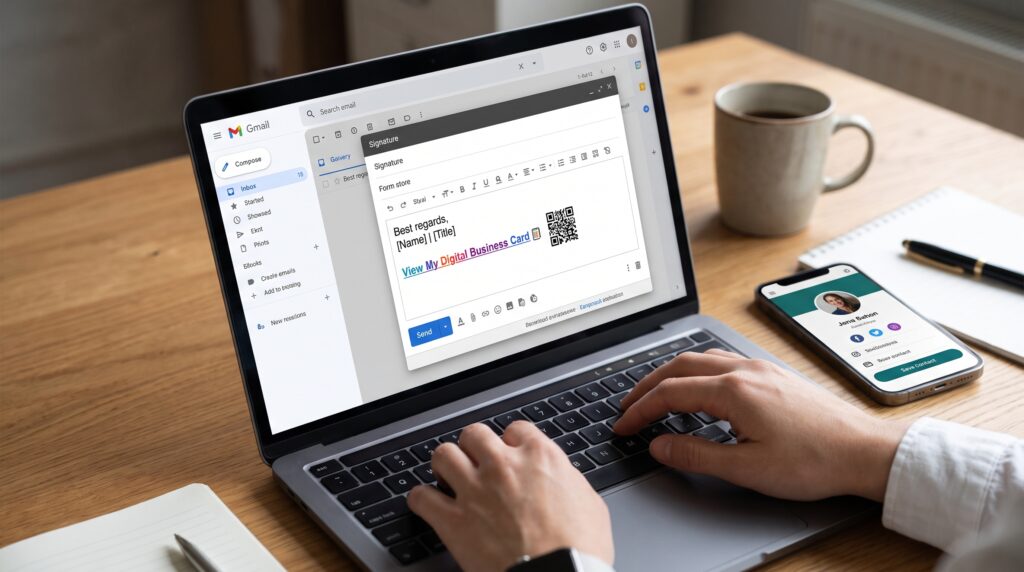
With supported Apple Wallet and Google Wallet features, you can keep your Bambl profile or supported digital card ready for faster access during face-to-face networking. You can also share your profile through a link, QR code, email signature, presentation, or virtual meeting background.
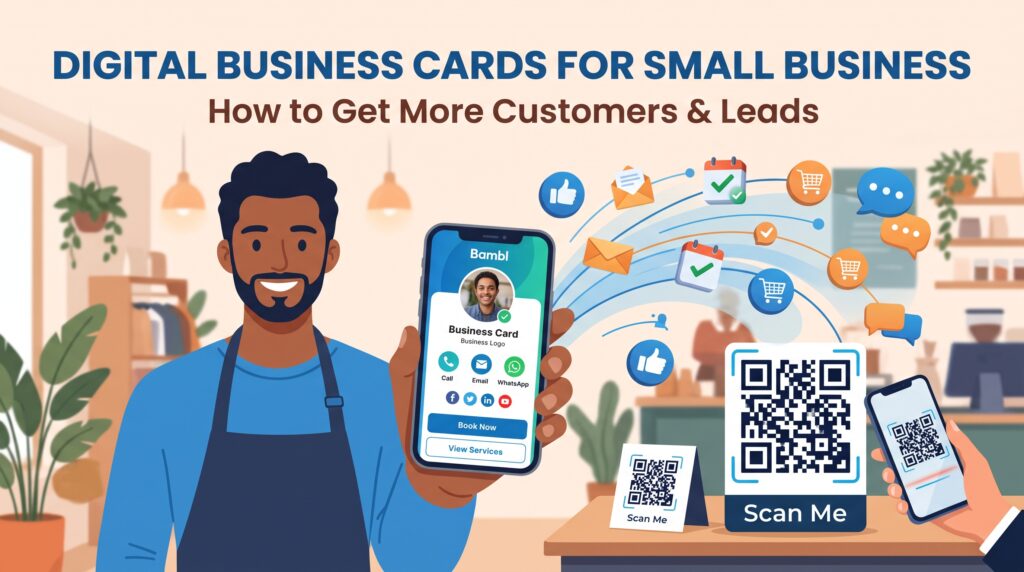
Bambl is designed for creators, freelancers, consultants, founders, sales professionals, students, small businesses, and teams that want one clear professional profile. Depending on your plan and supported features, you can also use contact saving, lead capture, traffic insights, link engagement, and team controls.
To learn more about creating a profile with multiple professional destinations, read our guide to how to create a digital business card.
Common Mistakes to Avoid
- Adding outdated contact information to the profile
- Using a low-quality photo or logo
- Including too many links without a clear priority
- Failing to test the Wallet card before an event
- Sharing a QR code without testing it on another phone
- Sending visitors to a slow or incomplete landing page
- Changing the profile without checking the mobile layout
- Assuming that adding a card to a wallet automatically creates leads
Frequently Asked Questions
Can I add a digital business card to Apple Wallet?
Yes, if your digital business card platform supports an Apple Wallet-compatible card or profile format. The exact setup and sharing experience may vary by platform and account type.
Can I add a digital business card to Google Wallet?
Yes, supported digital business card platforms can provide a Google Wallet-compatible card or access flow. Always check the card preview and test the profile after saving it.
Does a wallet business card replace my website?
No. A wallet card is an access point to your professional profile. Your website, portfolio, booking page, or digital business card can remain the main destination for detailed information.
Can I update my digital business card after adding it to a wallet?
In many supported setups, the wallet card opens or connects to a profile that can be updated. The exact behavior depends on the platform, so test an update before relying on it for important business information.
Is a digital business card better than a paper business card?
They serve different purposes. Paper cards can be useful in some situations, while digital cards are easier to update, share through links and QR codes, and connect to portfolios, booking pages, social profiles, and analytics.
Final Thoughts
A digital business card for Apple Wallet and Google Wallet can make professional networking faster and more organized. You can keep your profile close at hand, share it when someone asks for your details, and give every new contact a clear next step.
Build a focused profile, keep your information current, test the sharing experience, and include only the links that matter to your audience. With a platform such as Bambl, you can combine a digital business card, smart link-in-bio profile, dynamic QR code, contact saving, supported Wallet access, and analytics in one professional identity.
Create your Bambl digital business card and keep your professional profile ready to share from your phone.