
Blog
Do You Need an App to Use a Digital Business Card?


Do you need an app to use a digital business card? In most cases, no. A web-based digital business card can open through a link or QR code in a mobile browser, so the person receiving your card does not need to download an app, create an account, or install special software.
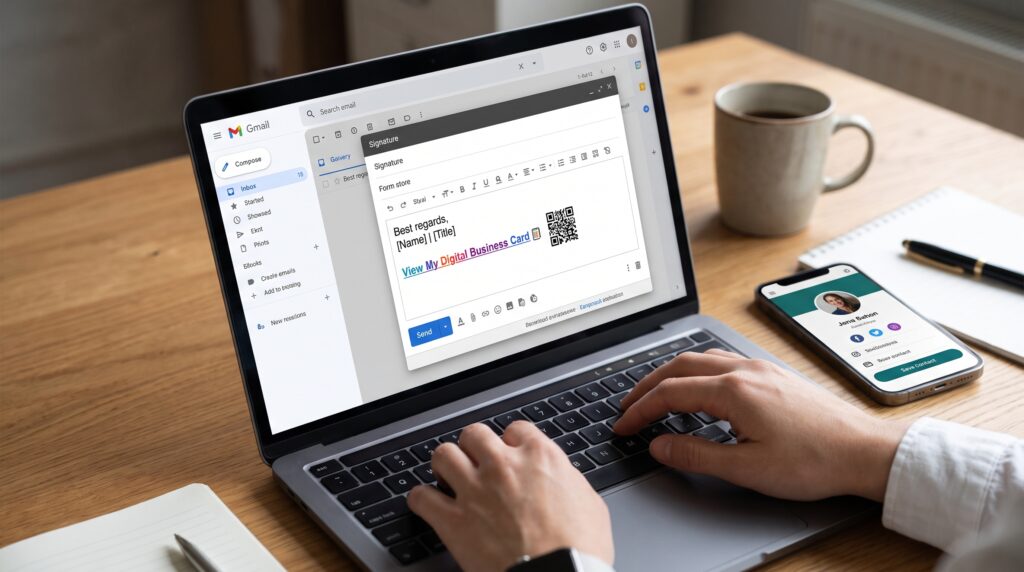
This makes digital business cards practical for conferences, sales meetings, social media, email signatures, presentations, and everyday networking. You can share one professional profile that includes your contact details, website, portfolio, social links, booking page, and other important destinations.
Do You Need an App to View a Digital Business Card?
No. If the card is web-based, the recipient can open it in a standard mobile browser such as Safari, Chrome, or Firefox. They can tap a shared link or scan a QR code with their phone camera.
After the profile opens, the visitor may be able to call, email, visit your website, open your social profile, or save your contact information. The exact actions depend on the digital business card platform and the features included in the profile.
With Bambl, visitors can open a mobile-friendly digital profile without installing the Bambl app. The profile can include a Save Contact action, professional links, a portfolio, booking destinations, social media, videos, products, and supported lead capture features.
How Does a Digital Business Card Work Without an App?
A web-based digital business card usually works through three simple steps:
- You create a professional profile with your name, role, company, contact information, and links.
- You share the profile with a URL or dynamic QR code.
- The other person opens the profile in a browser and chooses the next action, such as saving your contact or visiting your website.
The visitor does not need to search for your name manually or type your phone number. The profile acts as a central destination for your professional identity.
Can Someone Save My Contact Without an App?
Yes, a supported digital business card can let visitors save your contact details through a vCard or Save Contact button. Depending on the phone and operating system, the visitor may confirm the contact before adding it to the device address book.
A useful contact profile should contain accurate information such as your name, job title, company, phone number, email address, website, and profile photo. Review the information regularly so new contacts do not receive an outdated phone number or link.
Do I Need an App to Create a Digital Business Card?
Not necessarily. Some services offer mobile apps, while others let you create and manage your profile from a web dashboard. A browser-based dashboard can be useful if you want to work from a phone, tablet, or computer without installing another application.
The most important feature is not whether the platform has an app. Look for a profile that is easy to update, loads well on mobile devices, supports your preferred sharing methods, and gives visitors a clear next step.
If you are creating your first profile, read our guide to how to create a digital business card. It covers the information, links, QR code, and contact-saving elements a professional profile may need.
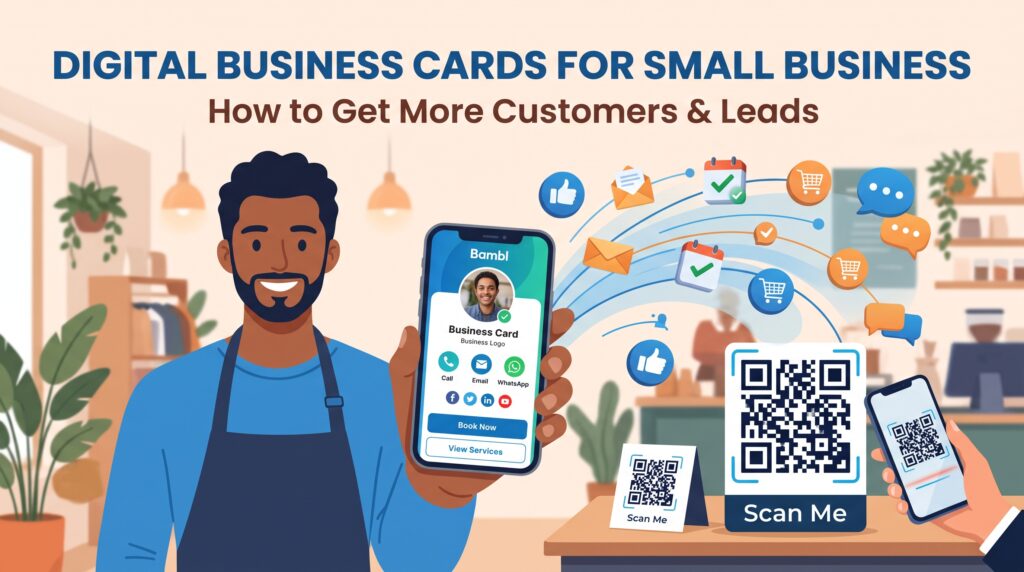
Yes. A QR code is one of the fastest ways to share a digital business card in person. Someone can scan the code from a printed sign, presentation, event badge, phone screen, virtual meeting background, or business material.
A dynamic QR code is especially useful because the destination can be updated after the code is created. For example, you may change your website, booking link, phone number, or featured project without printing a new QR code.
Before sharing a QR code publicly, test it on more than one phone. Check that the profile opens quickly, the text is readable, and the Save Contact action works as expected. Our QR code business card guide explains how to create and use a QR-based digital profile.
What Should You Include in an App-Free Digital Business Card?
A simple profile is often more effective than a page filled with unrelated buttons. Consider including:
- Your name, role, and company
- A professional photo or logo
- A short description of what you do
- A Save Contact or vCard button
- Your phone number and email address
- Your website or portfolio
- Your LinkedIn and other relevant social profiles
- A booking, inquiry, or collaboration link
- A featured product, video, or recent project
Choose one primary call to action. A consultant may feature a booking link, while a creator may highlight a latest video or digital product. Clear priorities make the profile easier to use on a small screen.
Can You Track Digital Business Card Activity Without an App?
Yes, depending on the platform and plan. Some web-based digital business card services provide analytics through an online dashboard. Available metrics may include profile views, link clicks, QR code activity, contact saves, traffic sources, or lead submissions.
Analytics can show whether people open your profile and which links receive attention. If you see many views but few clicks, you may need to improve your introduction, button labels, or link order. Learn more in our guide to digital business card analytics.
Final Answer: Do You Need an App?
No. You usually do not need an app to view or use a web-based digital business card. A link or QR code can open the profile in a mobile browser, and visitors can save your contact details or continue to your most important links.
Choose a platform that makes your profile easy to update, works on iPhone and Android browsers, supports clear contact sharing, and provides the features you need. With Bambl, you can combine a digital business card, smart link in bio, dynamic QR code, contact saving, professional links, and supported analytics in one profile.
Create your Bambl digital business card and share your professional information without asking every contact to install an app.